Activity Management Platform (UN Agency)
A dashboard created to help a UN Agency manage and coordinate activities across different regions, varying scales, and various stakeholders.
- Role
- Product design and front-end
- Period
- Sep 2024 – Nov 2024
- Stack
- Figma, React, TypeScript, Tailwind, HTML, MUI

The Problem#
Traditional methods to keep track of activities involve fragmented tools, leading to inefficiencies in communication and decision-making.
The client needed a centralized platform to streamline oversight of these activities, ensuring transparency and effective decision-making. This platform needed to be user-friendly and robust.

Information Architecture#
I conducted an in-depth analysis of the client’s requirements to understand how the information should be laid out.
The goal was to transform complex data into an intuitive, user-friendly interface. The main aim to get a sense of what users will expect and layout the information in a structure that aligns with those expectations. For instance, how administrators would add certain things and improve them. The design should be as intuitive as possible.
Figma Design#
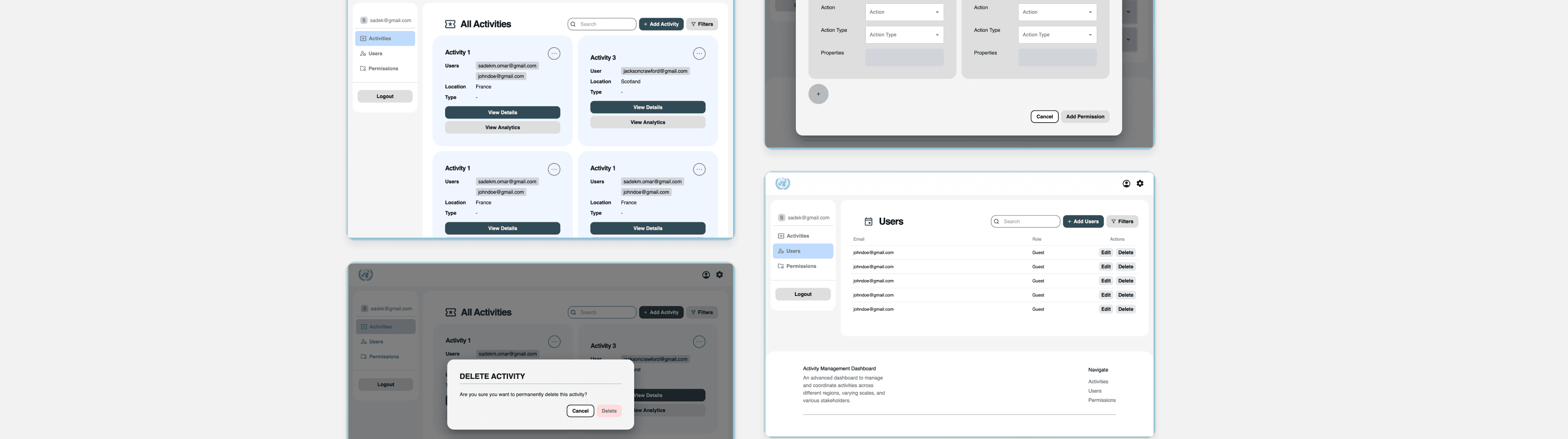
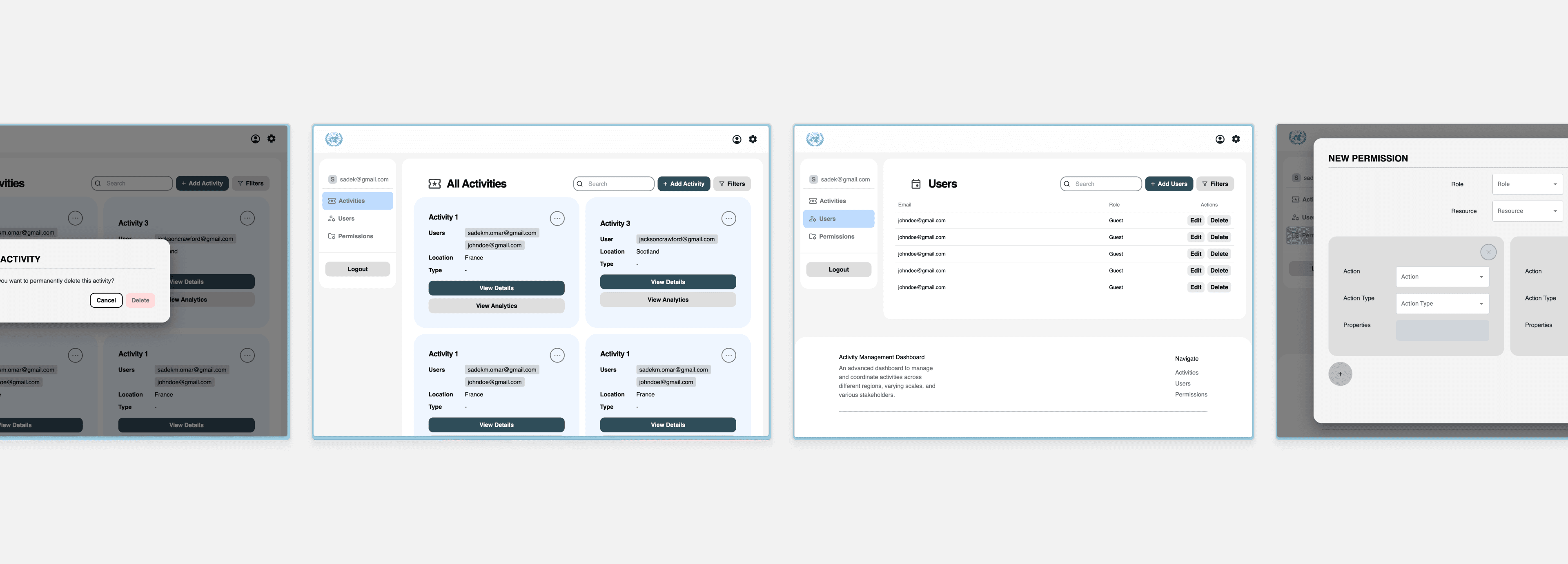
Then, I started out by designing a low-fidelity layout to establish the foundation for the upcoming designs. Throughout the process, there were multiple decision points where I had to choose between various layouts or structures, weighing in which option would be more intuitive, user-friendly, and streamlined. For instance, I had to choose between a card layout and a table layout, taking into consideration the trade-offs between information density and visual separation.
Good design is about iteration and constant improvement. I worked in Figma to test out various colors, logos and typefaces, striving to get an aesthetically pleasing yet efficient, functional look and feel.
Ultimately, this translates into much better user satisfaction, conversion rates, and because we catch usability issues early on in the development cycle, development costs are reduced.
React Web App#
In this project, I utilized React/TS, Tailwind, MUI, and TanStack Query to build a React web app. The codebase was very well-structured, with a clear separation of concerns and a robust architecture centered around reusable components.
From the app initialization – handling login tokens and route guards – to the services and custom hooks that maintain best practices, every aspect was designed with flexibility and maintainability. A really neat trick was the use of a single state variable in the AppContext to manage modals app-wide. This minimized memory usage by eliminating the need to store a state variable for each edit, view, or add modal. The upshot is a much more performant and efficient app.
Overall, this project was an eye-opening experience that deepened my understanding of advanced React patterns, state management, and optimizing component architecture.
Result#
On a final note, working in a collaborate Git environment is valuable, but it has its own set of challenges. It’s important to adhere to commit naming conventions, utilize feature branches to maintain organization. It’s important to maintain a clean commit history, ensuring a smoother dev process and less errors.
This project was well received by the client and will be utilized to streamline their management process and inform better decision-making.